


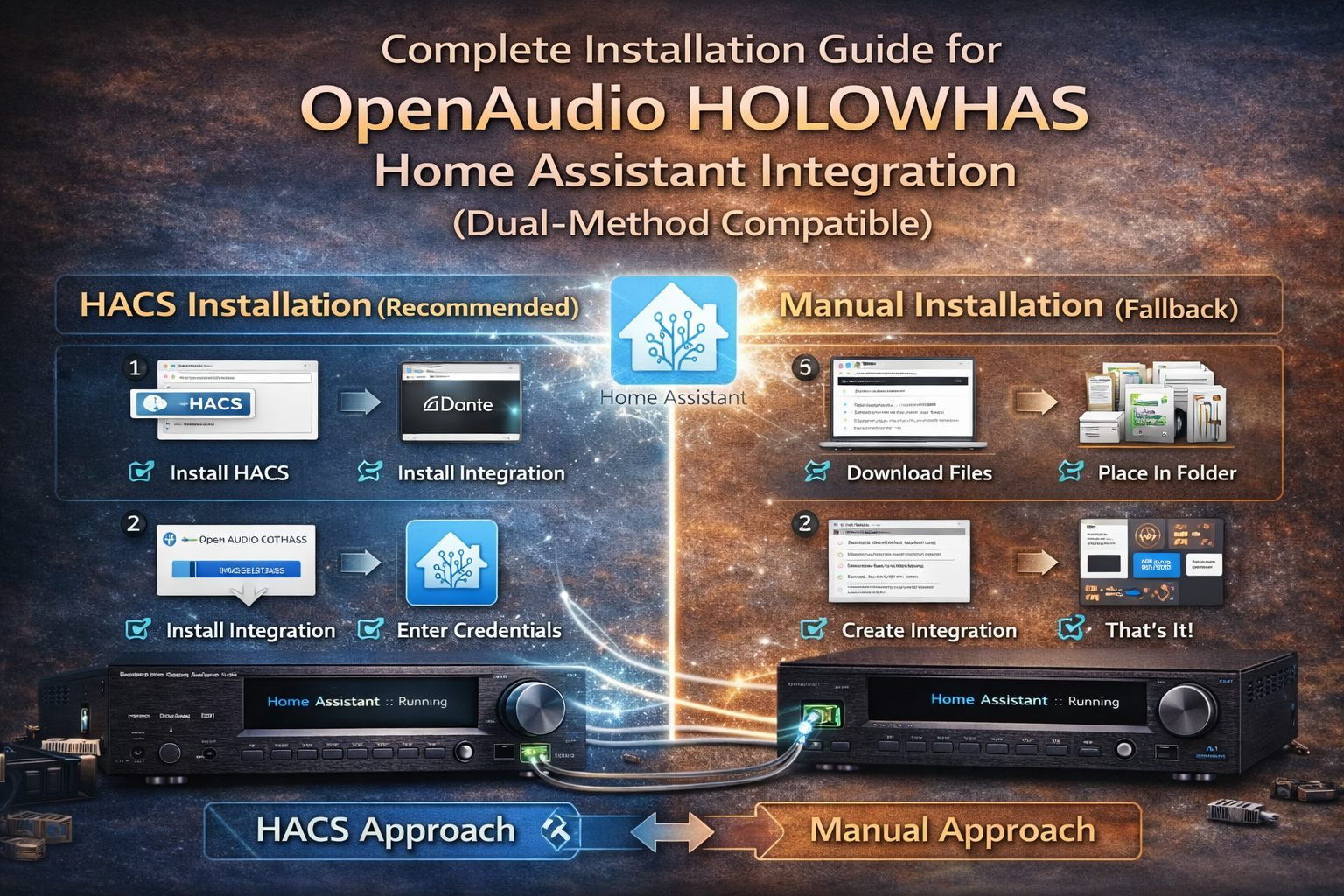
Integration (Dual-Method Compatible)
This guide details both the recommended HACS installation and the manual fallback method for the OpenAudio HOLOWHAS integration. It includes the standard repository structure, mandatory files for compatibility, and step-by-step instructions to ensure stable operation across all setups.
Prerequisites
- A running Home Assistant instance (2023.1.0 or newer)
- HACS installed (for automated installation, optional)
- Access to your Home Assistant config directory (via SSH, Samba, or local file access)
- GitHub repository: https://github.com/OpenAudioHome/HomeAssistant-Integration-for-HOLOWHAS
Critical: Standard Repository Structure & Mandatory Files
For the integration to support both HACS and manual installation, the GitHub repository must follow Home Assistant’s official structure. Below is the complete, required layout (this is the structure your users will download):
Key File Explanations
| File | Location | Purpose | Required For |
| hacs.json | Repository root | Validates the repo for HACS, defines metadata (name, HA compatibility). | HACS installation only (manual install does NOT need this file). |
| manifest.json | custom_components/openaudio/ | Core file for Home Assistant to recognize the integration (dependencies, version, domain). | Both HACS and manual installation (MANDATORY). |
Minimal Valid hacs.json (Repository Root)
If supporting HACS, add this file to your repo’s root directory (no edits needed for basic compatibility):
json
{
“name”: “OpenAudio HOLOWHAS Integration”,
“domains”: [“media_player”],
“homeassistant”: “2023.1.0”,
“render_readme”: true
}
- name: Display name in HACS.
- domains: Home Assistant domains the integration uses (e.g., media_player for audio control).
- homeassistant: Minimum HA version required.
- render_readme: Enables HACS to display your repo’s README.
Method 1: Recommended HACS Installation (Automated)
This method supports one-click installation and automatic updates, ideal for most users. Requires hacs.json in the repo root.
Step 1: Verify Repository Compliance
Ensure the GitHub repository has the standard structure above:
- hacs.json exists in the repo root (use the minimal example above).
- All integration files are nested under custom_components/openaudio/.
- manifest.json is present in the openaudio directory.
Step 2: Add the Custom Repository to HACS
- In Home Assistant, navigate to HACS > Integrations.
- Click the three-dot menu (top-right) and select Custom repositories.
- In the Repository field, paste the GitHub URL:
https://github.com/OpenAudioHome/HomeAssistant-Integration-for-HOLOWHAS
- Set Category to Integration (case-sensitive).
- Click Add—the repository will now appear in your HACS integrations list.
Step 3: Install and Activate
- Locate “OpenAudio HOLOWHAS Integration” in the HACS integrations list and click Download.
- Restart Home Assistant to load the integration (Settings > System > Restart).
- After restart, go to Settings > Devices & Services > Add Integration.
- Search for “HOLOWHAS” and follow the on-screen prompts to configure your audio system (enter network details, credentials, etc.).
Method 2: Manual Installation (Fallback)
Use this method if HACS is unavailable. Does NOT require hacs.json—only the openaudio directory with core files. This matches your existing workflow.
Step 1: Download the Integration Files
- Visit the GitHub repository: https://github.com/OpenAudioHome/HomeAssistant-Integration-for-HOLOWHAS
- Click Code > Download ZIP to save the repository to your local machine.
- Extract the ZIP file to a location accessible on your computer.
Step 2: Create the Required Directory in Home Assistant
- Access your Home Assistant config directory (e.g., via Samba share or SSH).
- Locate the custom_components folder (create it if it does not exist).
- Inside custom_components, create a new folder named openaudio (case-sensitive—match the repository structure).
Step 3: Transfer Files to Home Assistant
- From the extracted ZIP file, navigate to HomeAssistant-Integration-for-HOLOWHAS/custom_components/openaudio/.
- Copy all files (including manifest.json, __init__.py, and other .py files) into the HoloWAS directory you created in Home Assistant’s custom_components.
- Note: You do NOT need to copy hacs.json (it’s irrelevant for manual installation).
Step 4: Set Permissions (Linux/Docker Only)
If Home Assistant runs on Linux, Docker, or a Raspberry Pi, ensure the directory has correct permissions to avoid loading errors:
bash
chmod -R 755 /config/custom_components/openaudio
Step 5: Finalize Installation
- Restart Home Assistant (Settings > System > Restart) to load the integration.
- After restart, go to Settings > Devices & Services > Add Integration.
- Search for “HOLOWHAS” and complete the configuration wizard to connect your audio system.
Troubleshooting
| Issue | Root Cause | Solution |
| Repository structure for main is not compliant (HACS) | Missing hacs.json or incorrect directory structure. | Add the minimal hacs.json to the repo root and ensure files are under custom_components/openaudio/. |
| Integration not found after manual install | Files placed in wrong directory (not custom_components/openaudio/) or missing manifest.json. | Verify the openaudio folder is directly under custom_components and contains manifest.json. |
| Permission denied errors | Incorrect directory/file permissions (Linux/Docker). | Run the chmod command listed in Step 4 of manual installation. |
| 403 Rate Limit Error (HACS) | GitHub API rate limit exceeded. | Generate a GitHub Personal Access Token (PAT) with repo scope, then enter it in HACS > Settings > GitHub Token. |
| Manifest file not found | manifest.json is missing from the openaudio directory. | Ensure manifest.json is copied to custom_components/openaudio/ (required for all installs). |
Post-Installation
Once installed, the OpenAudio HOLOWHAS integration will automatically detect compatible audio devices. You can:
- Control audio zones (play/pause, volume, source selection).
- Sync playback across multiple rooms.
- Create automations (e.g., “Movie Mode” triggering audio sync + lighting adjustments).
- Monitor device status via Home Assistant dashboards.
For updates:
- HACS users: Receive automatic notifications and one-click updates.
- Manual users: Repeat Step 3 with the latest ZIP file from GitHub (copy new files to openaudio directory), then restart Home Assistant.



Jhems
28 Jan, 2026Great guide super clear and easy to follow. The step-by-step HOLOWHAS + Home Assistant setup is exactly what many users need, especially with the HACS integration and restart flow explained simply. Would love to see future posts covering example automations or multi-room audio scenes. Thanks for sharing!
Jeff Bozzone
28 Jan, 2026They not only provide a fully functional Home Assistant integration, but also offer both HACS-based and manual installation methods, which makes deployment flexible and user-friendly. The HOLOWHAS series multi-zone streaming amplifiers deliver excellent performance, especially for whole-home audio applications. The 8× AirPlay 2 implementation works very well, and they also offer models that support 8× Google Cast. Stable, well-designed, and highly recommended.